Take control of your week
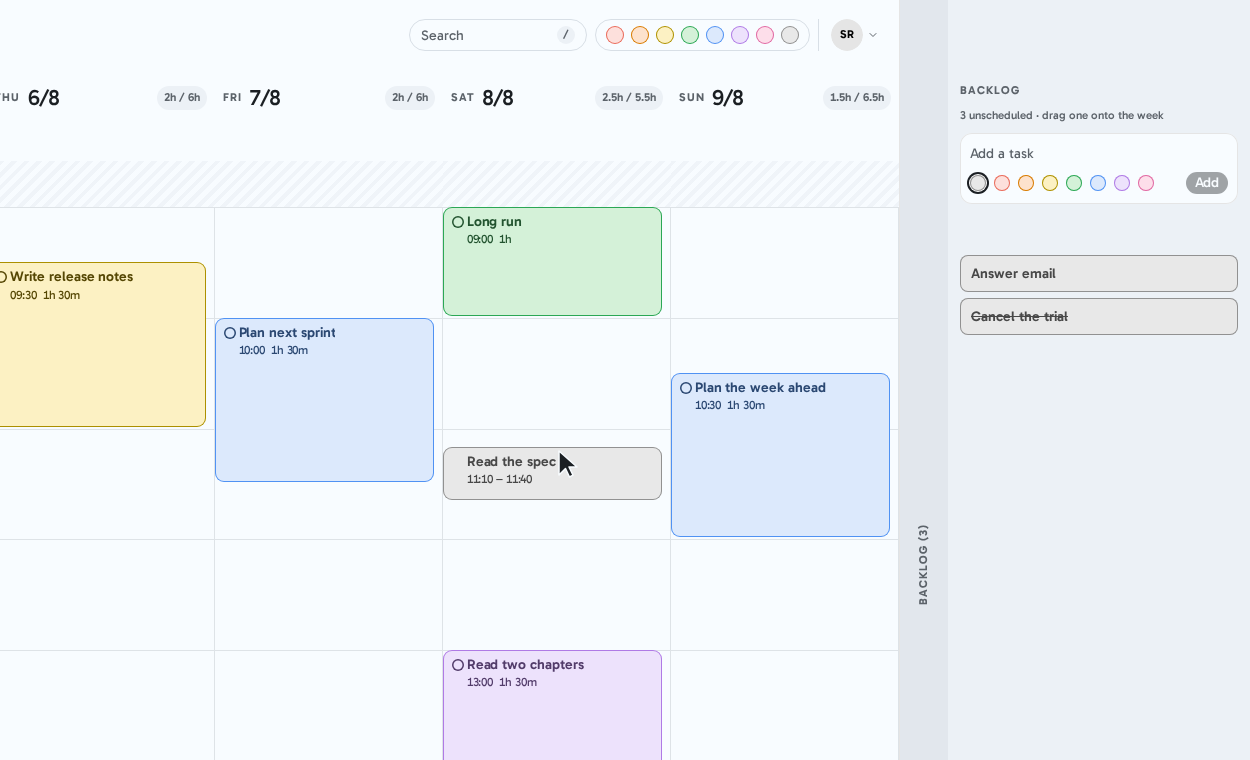
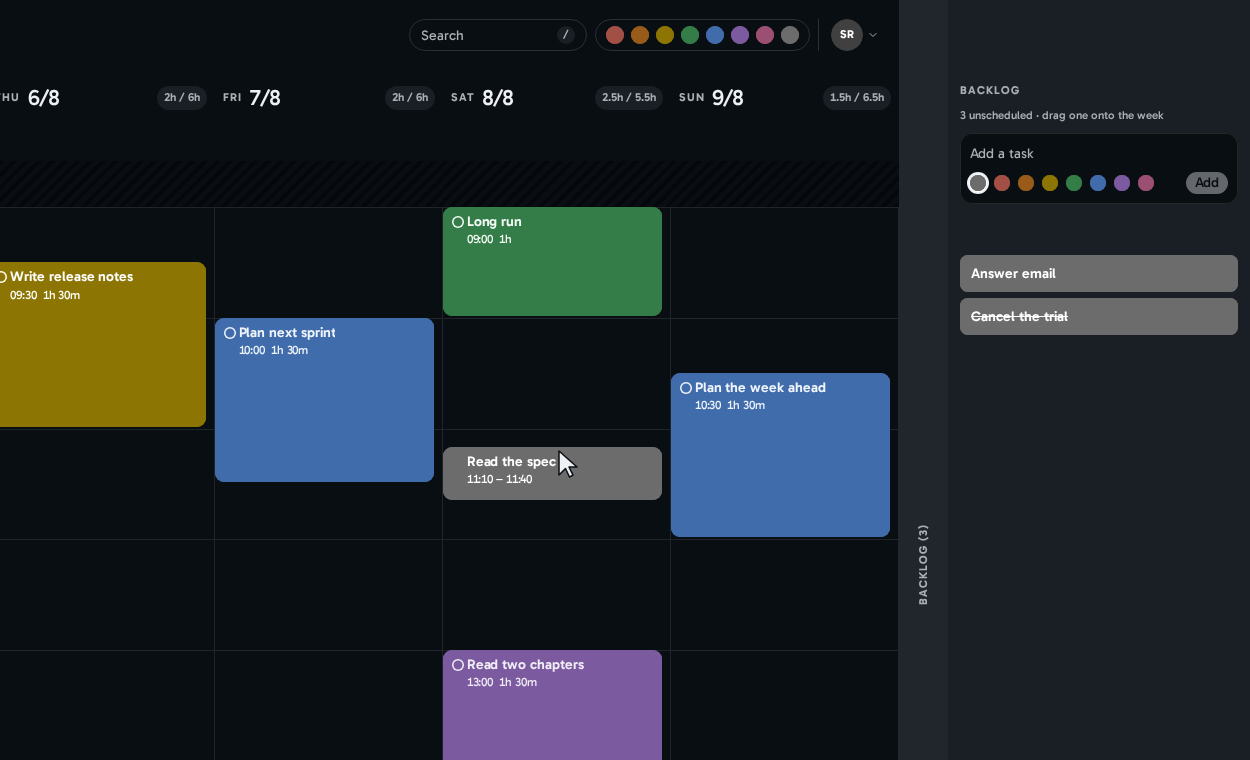
See your whole week in one glance. Drop tasks into the hours you work, and drag them around when plans change.
The Basic account is free forever.
How it works
Seven days, 24 hours, one screen. See where the week is already full, and plan into what's left. From an empty week to a planned one, in three steps.
-
Add a task
Click any empty slot and the task lands right there. Not sure when it fits yet? Park it in the backlog until you are.
-
Move it anywhere
Drag it to another hour or another day. Grab an edge to make it longer or shorter.
-
Yesterday sorts itself out
Day didn't go to plan? Anything you didn't finish slides back into the backlog at midnight, your time.
Go further with Pro
Want to plan deeper? Pro adds colours, descriptions and checklists, and lets you set your working hours for every single day. Coming soon.
Colour, so a glance is enough
Give each task a colour of its own, picked from the palette. One look and you know what kind of week you're in for.
Separate working hours per day
Not every day is the same. Set the start and end time for each of the seven days — stretch one out when you need to, pull one in to take a breather.
Room for what a title cannot hold
Add a description to the task and keep a checklist of what's done and what's left.
Pricing
One price for one person. No seats, and no tiers.
Basic
Free
No card, and no end date.
- The week grid and the backlog
- Fixed 9am to 5pm working hours for all seven days
- Plan 4 weeks back and 1 week ahead
Pro
Coming soon$9 per month
or $90 annually. Start with a 14-day trial.
Tax included.
Everything in Basic, plus:
- Task description
- Task colour, from the palette
- Task checklist
- Custom working hours per day
- Any week, with no limit
Frequently Asked Questions
Is the Basic account a trial?
No. It has no end date and it asks for no card. If Pro never appeals to you, nothing about the Basic account changes or expires.
When will Pro be available?
We hope to make it available by the end of 2026.
Do I need to install anything?
No. It runs in a browser tab. If you want it to feel like an app, add it to your home screen or dock and it opens in a window of its own.
How far ahead can I plan?
Basic reaches four weeks back and one week ahead. Pro has no limit in either direction, so any week is one click away.